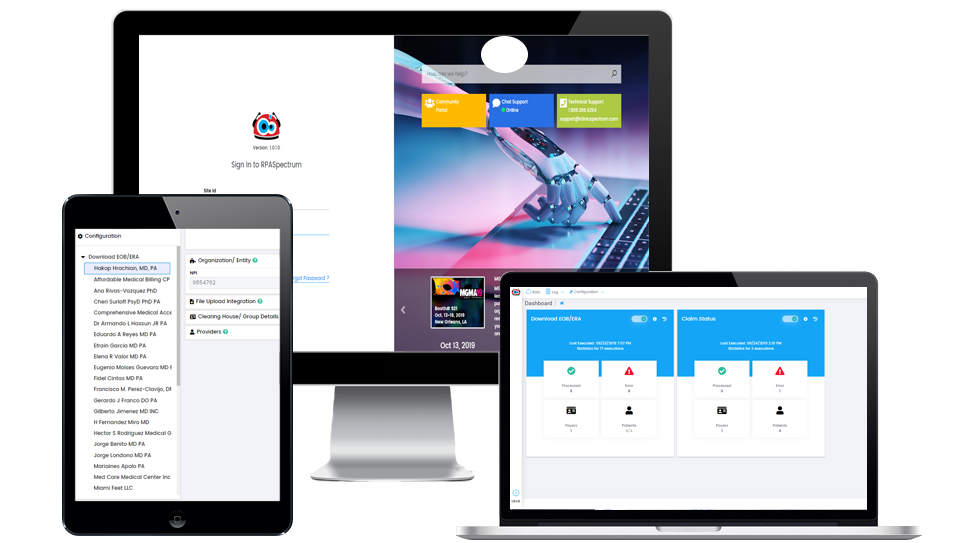
- Get the list of Patients (EHR/PM or Excel file) for which claim status needs to be checked
- Login to Navinet website
- Read the list of input EOBs (Excel sheet)
-
For each Claim
- Navigate to 'Claim Status Inquiry'
- Key in claim details
- Search the Claim status
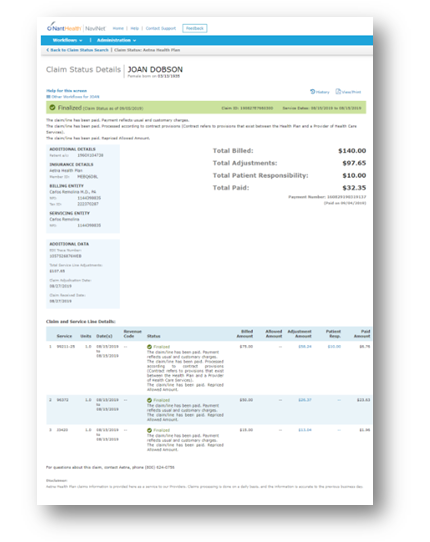
- Take a screenshot of the status page
- Extract Claim status details and update Excel file or update Claim in EHR/PM